
IntegrityView provides the visibility, your team makes the call
IntegrityView gives organizations a flexible way to protect online assessments while keeping review in-house. Built-in assessment controls, identity verification, and session monitoring give your team the evidence and context to understand what happened and make the final determination.
IntegrityView is designed for organizations that want to manage assessment review internally, programs evaluating alternatives to traditional lockdown browsers, and teams that want stronger assessment security without outsourcing every session review.


IntegrityView
HOW INTEGRITYVIEW WORKS
From assessment security to final decision
IntegrityView protects and captures the assessment experience, giving reviewers the context they need to understand what happened and make the final determination.
Verify Test Taker
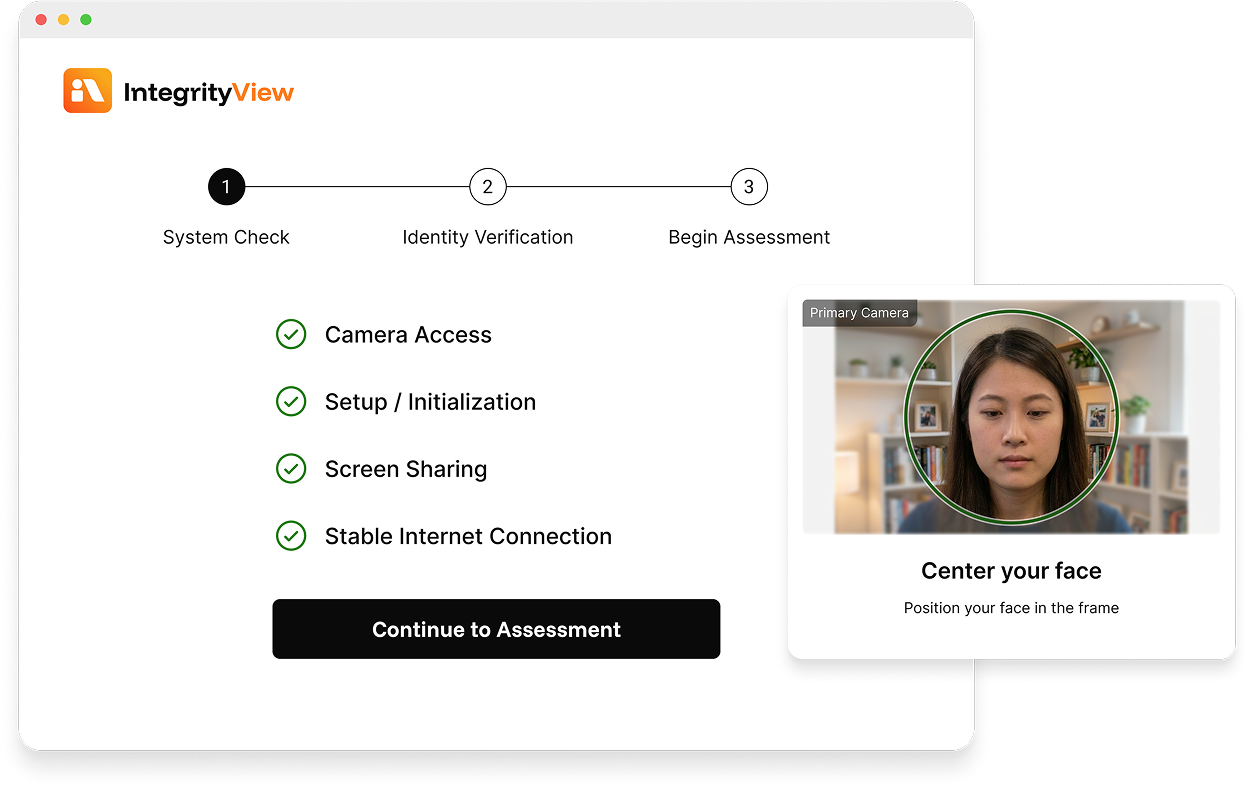
IntegrityView captures a photo of the participant so that your team can confirm who is taking the assessment.
Protect & Capture
Built-in controls help protect the session while capturing the test taker, screen, voice activity, and relevant session events.
Review in Context
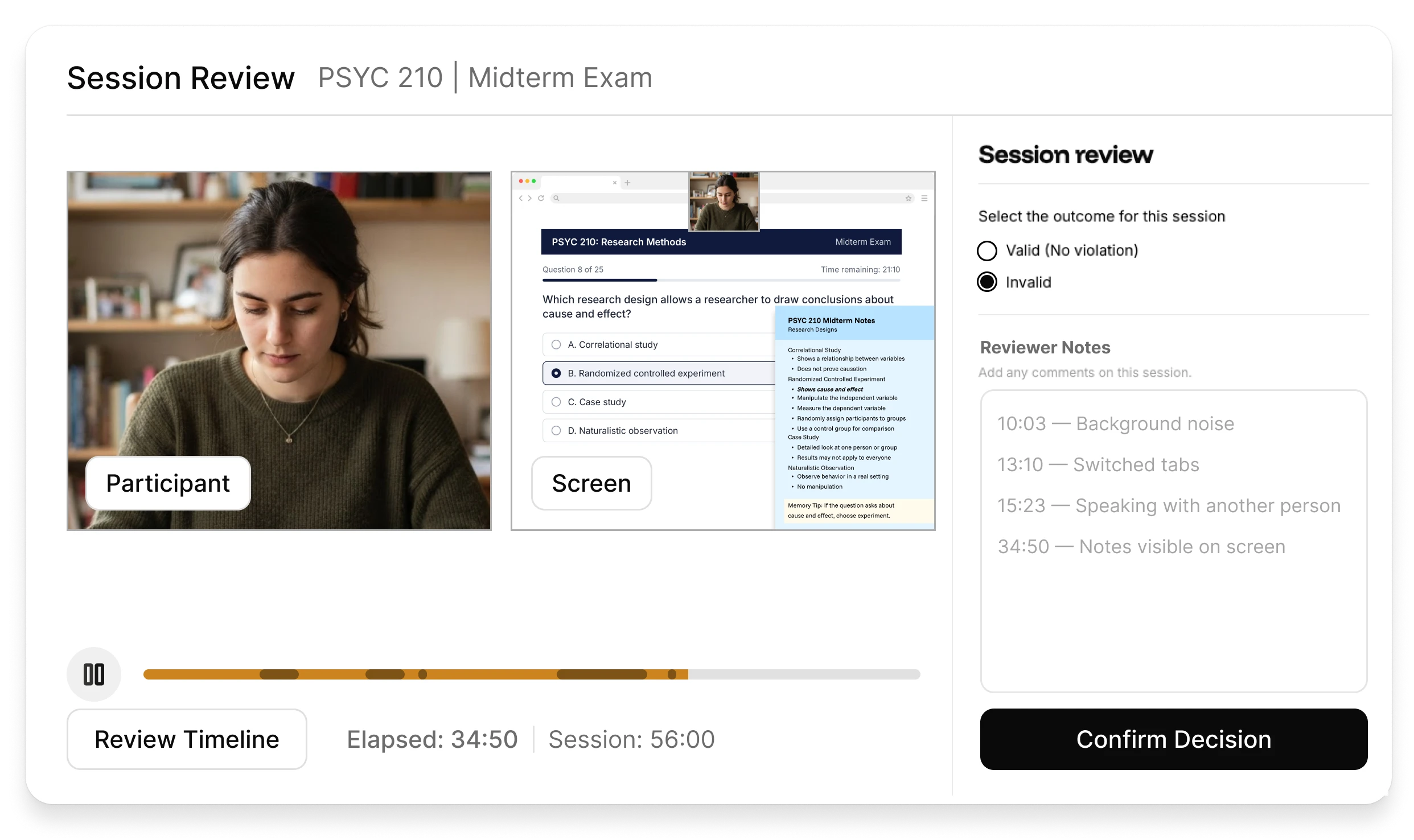
See the test taker and screen together, with system alerts and activity visible within the session recording.
Make the Call
Determine the outcome and record supporting commentary, keeping the final decision in your hands.
THE REVIEWER EXPERIENCE
Everything your reviewers need, in one place
IntegrityView brings the assessment evidence your team needs into a clear, intuitive review experience, so you can understand what happened and decide with confidence.
Review participant and screen activity side by side, synchronized on one timeline for clearer context.
Condensed playback lets reviewers move through the session at up to 5x speed, allowing for fast, accurate review.
Audio snippets allow reviewers to hear relevant moments without listening to the entire assessment.
Record the final determination and supporting commentary in one place, creating a clear record of what was decided and why.
MOVES FAST WITH YOUR WORKFLOW
Built to make self-review manageable
Keeping review in-house shouldn’t mean watching every minute at normal speed. IntegrityView condenses routine playback so reviewers can move through the session efficiently while slowing down when voice activity needs attention.
12 minutes
THE TEST TAKER EXPERIENCE
A simple, secure, privacy-first experience from start to finish
IntegrityView works in the browser with nothing to download or install, giving test takers a straightforward assessment experience without sacrificing security. Less setup for test takers. Less troubleshooting for your team.
IN-SESSION PROTECTION
Keep participants in the assessment for a smoother experience
IntegrityView detects activity that could disrupt assessment security and responds in real time, helping participants stay within the requirements of the session without a traditional lockdown browser.
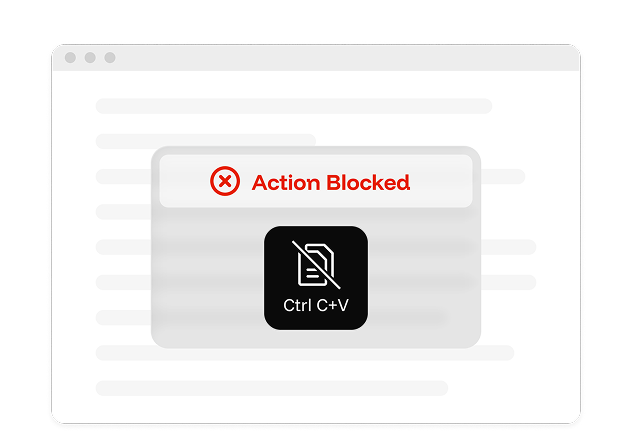
Copy-paste protection
Attempts to copy or paste protected assessment content are blocked automatically.
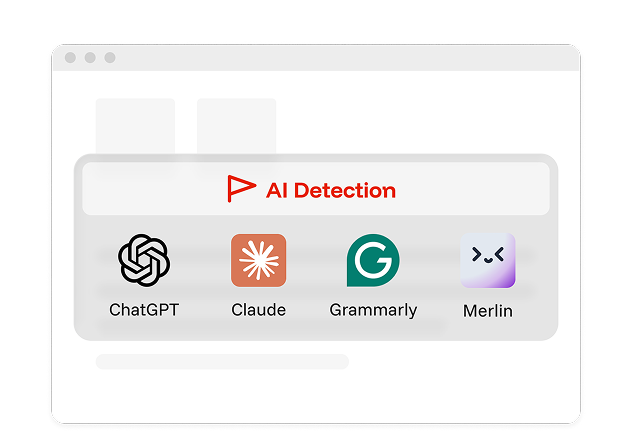
Known AI-extension blocking
Known AI browser extensions are blocked during the assessment.
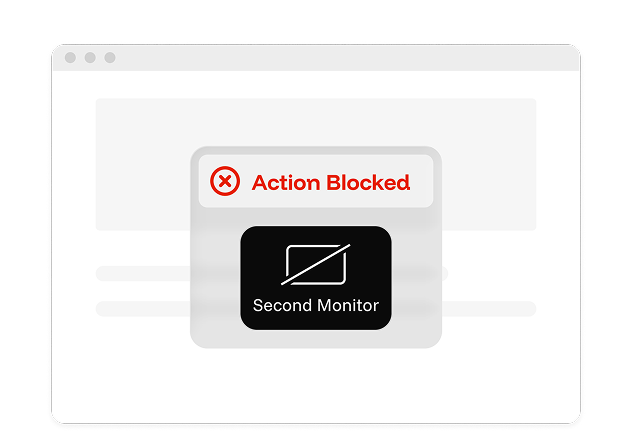
Second-monitor blocking
Additional displays are detected and blocked before the assessment can continue.
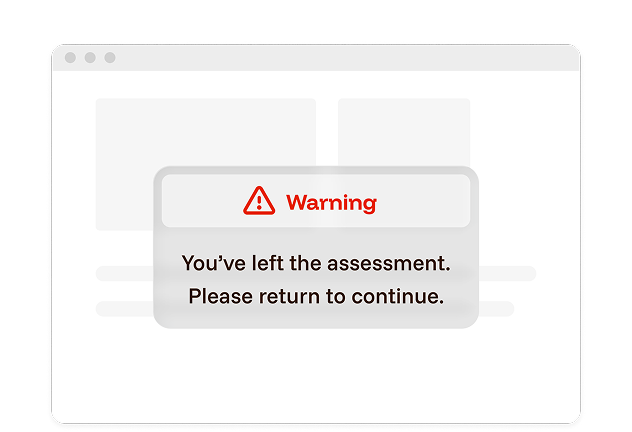
Leaving full-screen mode
When a participant leaves full screen mode, IntegrityView detects the activity and prompts them to return.
In-session blockers include
Screen sharing stopped
Restricted browser extensions
Multiple assessment windows open
Full-screen mode exited
Restricted keyboard shortcuts
Camera disconnected
Multiple monitors detected
Repeated voice detected
Unsupported device detected
Camera view obstructed
Camera feed frozen
Unsupported browser detected
A SMARTER ALTERNATIVE TO TRADITIONAL LOCKDOWN
They restrict the device, but IntegrityView gives you the full picture
Lockdown browsers are built around controlling the device. IntegrityView is built around giving your team the visibility and evidence to understand what happened.

Pay for the technology and keep review in-house
Not every organization needs managed review for every assessment. If your team already has the expertise and authority to make the final determination, IntegrityView gives you the technology and evidence to manage review internally.
Start with your team. Add ours when you need us.
If your needs change, Integrity Advocate's managed review options can take the workload off your team, without changing the assessment experience.
Frequently asked questions
Find answers to the most commonly asked questions about IntegrityView
No. IntegrityView is a no-install alternative to traditional lockdown browsers. It includes many of the controls institutions expect, like copy-paste protection, second-monitor blocking, and focus enforcement, while also capturing the participant and screen and detecting other activity for your team to review in context.
Your team does. IntegrityView gives reviewers the session evidence they need to understand what happened, document the outcome, and make the final determination.
Yes. IntegrityView is designed to work through LTI, so it fits within your existing learning and assessment workflow without requiring a separate reviewer login.
IntegrityView is designed for organizations that want to keep review in-house and avoid the added service cost of managed review. Pricing depends on your program and assessment volume.